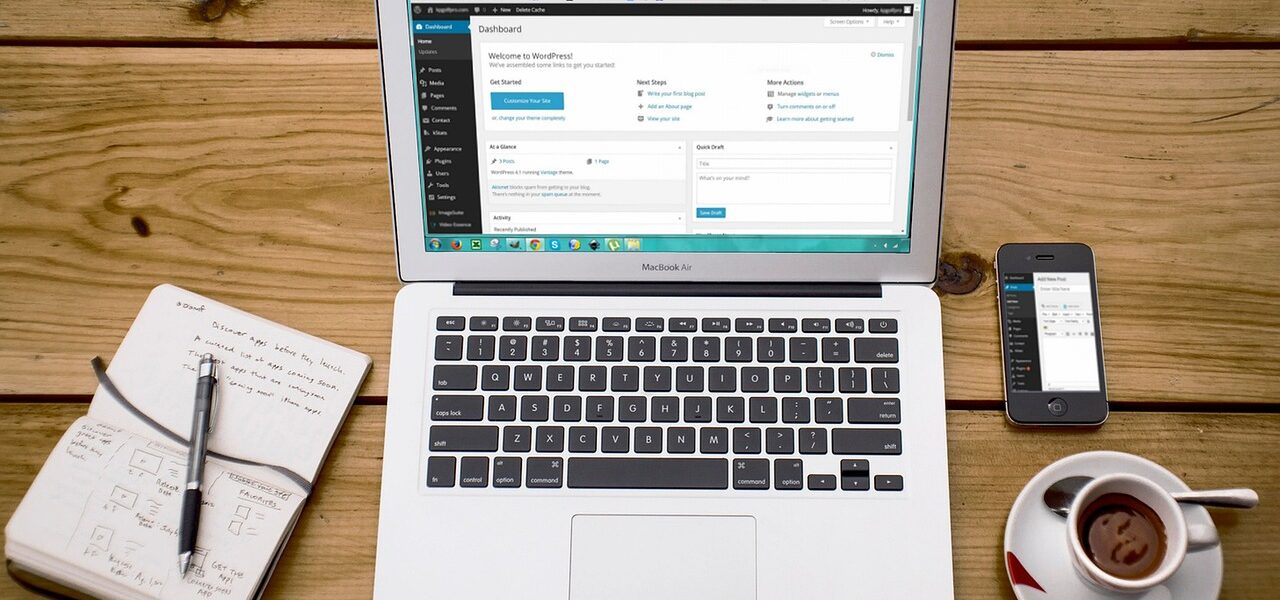
Navigation menus are what determine the way users perceive and navigate through a WordPress site. In case of vague or excessive menus, visitors find it hard to locate the content, and leave too early.
Planned navigation, however, is favored by usability, accessibility, and discovery of content. Menus in WordPress are flexible and can be tailored to match the needs of the website and therefore proper planning is the key to a smooth and easy user experience.
The Reason Why Navigation Menus are Important to User Experience
One of the most formidable determinants in terms of success when interacting with a website is navigation. The presence of clear menus reduces the cognitive load of visitors by allowing them to learn the structure of the site rapidly and find the necessary information with ease.
Usability studies always indicate that people tend to use recognized and expected navigation patterns as opposed to creative but unclear design. Navigation that is user-expectant reduces frustration and enhances more time on content instead of spending time on searching.
Learning WordPress Navigation Menu Structure
The inbuilt menu management system of WordPress allows site owners to design their own custom navigation menus with pages, posts, categories, custom links and post types. Menus may be assigned to theme-based locations which include primary headers, footers, or secondary navigation areas.
Since WordPress can be customized widely, menu planning is something that should begin before implementation. Menus may be messy, uneven or hard to manage particularly when the site is expanding without a defined structure.
Planning Menus for Better UX
When there is careful menu planning, the users will be able to use a site intuitively. These are some of the main principles that can be useful.
Explain What Menu Goals and User Intent Are
The menu must be based on what is likely to be achieved by the visitors, whether it is searching information, exploring content and necessary pages.
Menu labels ought to be in simple and recognizable language as opposed to using in-house language or jargon. The organization of items based on how one perceives them rather than how it is stored in the back-end makes it easier to understand and navigate.
Reducing the Complexity and Depth of the Menu
Overloaded navigation menus are a common usability issue in WordPress sites. While dropdown and multi-level menus are supported, excessive nesting increases cognitive load and makes scanning more difficult.
Limit primary navigation to a small number of top-level items, often around five to seven. Less critical links can be placed in secondary menus, footers, or contextual navigation within pages. This preserves simplicity while keeping content accessible.
Strategizing with Hierarchy and Ordering
Menu hierarchy expresses correlations between pages. Parents and children items in WordPress menu are graphical cues to structure, allowing users to know how the content is organized.
Ordering also matters. The items positioned at the end and beginning of menus are likely to capture the attention of users more. Priority in frequently used or high-value pages in these positions improves discoverability and supports faster decision-making. Consistent ordering across the site further reinforces familiarity.
Creating Mobile and Responsive Layout Navigation
A significant percentage of visitors to WordPress is through mobile phones, and therefore, responsive navigation is critical. There are numerous themes that transform desktop menus into hamburger or collapsed menus on smaller screens.
Although such a trend is typical, hiding all navigation behind icons can reduce discoverability, particularly for important pages. A balanced approach is more effective, like highlighting key items visibly while placing secondary links behind expandable menus. Testing navigation behavior across screen sizes helps maintain usability on mobile devices.
Accessibility Considerations in WordPress Menus
Available navigation is good across the board, even to users of screen readers or keyboard navigation. WordPress can be used to support the accessible menu markup, yet proper structure and implementation are essential.
Menus should use descriptive text labels rather than icons alone, maintain logical tab order, and ensure dropdown menus are keyboard-accessible. Consistent placement and predictable behavior also align with accessibility best practices, which emphasize clarity, structure, and operability in navigation design.
Testing and Iterating Navigation Over Time
The process of navigation planning is not a single-time event. The performance of menus can be influenced by user behaviour, content growth and the evolving goals. The analytics data can be reviewed, user flows can be observed, and feedback will help to detect problems with navigation, including backtracking to the same location or overreliance on searching.
WordPress enables menus to be changed easily and thus, iterative improvements are viable. Frequent review would keep the navigation evidently beneficial to the users as opposed to being obsolete and ineffective.
Final Thoughts

Planning navigation menus in WordPress is necessary for a top user experience. Intuitive navigation can be achieved by clear structure, limited complexity, significant labels, responsive design, and accessibility-conscious decisions. WordPress site owners can enhance the usability and reduce friction by matching menus to user intent, and optimizing menus by continually testing them.